How to Build a High-Converting Landing Page in Framer
Learn how to build a high-converting landing page in Framer, from one clear goal and a strong hero section to social proof, repeated CTAs, SEO fields and testing.
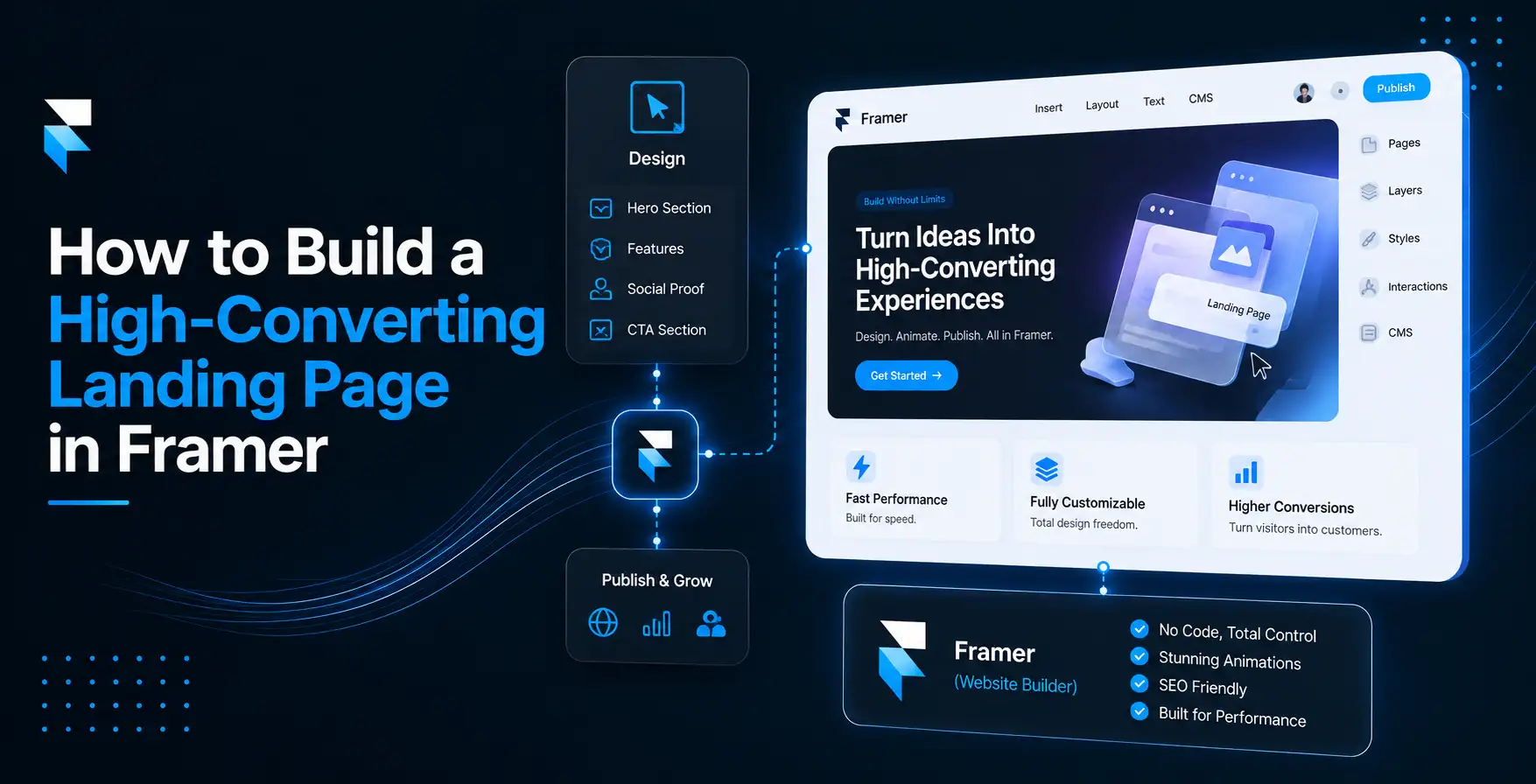
There is no meaning to a great product if people leave your website without taking action. That's the reason why businesses invest so much time in creating a landing page that easily grabs a visitor's attention and converts them into customers, subscribers, or leads. However, you don't need to be a great designer or developer to do that anymore. Using Framer, anyone can build fast, beautiful, and responsive landing pages without writing code. Whether you're launching a SaaS product, promoting a service, collecting email subscribers, or want to build a full-fledged online store, a Framer landing page can help you achieve your goals.
In this guide, we will discuss how you can build a high-converting landing page in Framer. Besides, we will also discuss common mistakes, best practices, and the tools that make the entire process much easier.
However, before diving deep into the steps to build a landing page in Framer, first understand why you should choose Framer for building landing pages.
Why are businesses choosing Framer for building landing pages?
The main goal of a landing page is to convince visitors to take action, and in that, Framer for building landing pages stands out.
Unlike traditional website builders, Framer combines visual design, responsive layouts, animations, and CMS capabilities into one easy-to-use platform.
Here are a few reasons why businesses are choosing Framer over other builders.
- No coding required
- Beautiful responsive designs
- Fast-loading pages
- Easy publishing
- Interactive animations
- SEO-friendly structure
- Easy collaboration with teams
So, you don't need to spend weeks developing a landing page; you can launch one within just a few minutes.
What makes your landing page convert?
Before you open the Framer landing page builder, it is vital that you understand what actually drives conversions. A high-converting landing page removes confusion. Every section of your landing page should answer one question: why should someone choose you?
The best landing pages include a clear headline, a supporting headline, one primary call-to-action, benefits, social proof, product visuals, testimonials, FAQs, and a strong closing CTA.
In short, each section of your landing page must lead visitors toward clicking your button.
Steps to build a high-converting landing page
1. Define your one clear conversion goal
Your landing page should have only one goal. If you try to make visitors buy a product, book a demo, read your blog, subscribe to your newsletter, and follow you on social media, all on the same page, it will hurt conversion. The real meaning of a high-converting landing page is that your landing page has one job, and that is to get visitors to take one single action, not five actions.
Even studies back this up. Landing pages that remove extra links and distractions and keep visitors focused on the one thing get high conversion rates. The moment you give your visitors a second option, you split their attention, and it lowers conversions. So, you can use CTAs that support only one goal. For example,
- Start Free Trial
- Book a Demo
- Download eBook
- Buy Now
- Join Waitlist
If your one goal is booking calls, you can embed a Calendly booking widget in Framer directly on the page so visitors never leave to schedule. Before you touch design, pick your one goal and build around it.
2. Write a powerful hero section
The hero section is the first one that anyone sees. You have only four to five seconds to convince them to stay. A strong hero section should include a clear headline, a short supporting text, a supporting visual that showcases the product or service in use, and a clear CTA.
For example, "Smart automation for your business." is weak. Instead, you can write "Save 5 hours a week with automated scheduling." It tells visitors what they get.
Even studies show that content visible without scrolling gets more attention. So, your headline, subheadline, and CTA all need to live there.
In Framer, this hero section is usually one Stack holding your headline, subtext, and button as a single unit.
3. Use high-quality visuals
People trust what they see. So, instead of explaining every feature, show it. Include product screenshots, dashboard previews, short videos, before-and-after comparisons, and interactive mockups in visuals.
Framer makes it super easy to add animations and images without slowing your website. However, one thing you need to keep in mind is that your animation should support your message, not distract from it.
4. Emphasize benefits instead of features
Many landing pages list features such as CMS, responsive design, drag-and-drop editor, components, and more. However, the truth is that visitors don't care about features first. They care about outcomes. So, instead of listing just features, write like this.
- Launch landing pages in hours instead of weeks.
- Create professional designs without coding.
- Improve conversions with responsive layouts.
- Update content quickly using the CMS.
Have you noticed the difference? Here you're explaining why the feature matters.
5. Add social proof
People trust other customers more than marketing copy. Social proof reduces hesitation. You can include customer testimonials, ratings, client logos, user reviews, success stories, and case studies.
For example, "We increased our landing page conversion by 40% after switching to Framer."
Real experiences build confidence.
6. Keep your CTA visible
Your call-to-action should not appear only once. Visitors scroll differently. Some decide immediately, and others need more information.
That's why many successful landing pages repeat the CTA throughout the page. They include a CTA in the hero section, after benefits, after testimonials, and at the bottom of the page.
However, ensure every CTA says the same thing, because consistency builds trust.
7. Remove distractions
Every extra link you include in the page gives visitors another reason to leave. Your landing page doesn't need large navigation menus, many buttons, too many animations, pop-ups appearing instantly, and long paragraphs.
Keep your visitors focused on one section. Less clutter often gives you more conversions.
8. Make it responsive
These days, more than half of landing page traffic arrives on a phone. A landing page that looks perfect on desktop but breaks on mobile will lose conversions. Thanks to the Framer landing page builder, responsive design is much easier.
Before publishing, check text readability, button size, image scaling, spacing, and loading speed. Always preview your page on multiple screen sizes.
9. Set your SEO fields before publishing
If you have designed a high-converting landing page but nobody is finding it, there is no meaning. On Framer, you can set SEO fields like title, meta description, and social preview images as part of its publishing settings. So, you don't need to use a separate plugin. Fill these in with your target keywords before you publish it. Also, improve your page speed, as it matters a lot. A one-second delay can reduce conversions. To improve loading time, compress images, avoid unnecessary animations, remove unused assets, keep videos optimized, and limit heavy third-party scripts.
Using Framer for building landing pages lets you focus on performance by helping the page load quickly without sacrificing design quality.
10. Build trust throughout the page
Visitors buy when they feel safe. You can build trust by including security badges, money-back guarantees, customer numbers, awards, certifications, contact information, and privacy assurances.
Even including a simple sentence like "No credit card required" can significantly improve conversions.
11. Answer questions before visitors ask
Every visitor has some questions. So, don't forget to include an FAQ section. It helps remove friction.
If visitors have fewer unanswered questions, they're more likely to convert.
12. Test everything
The highest-converting landing pages weren't perfect on day one, but they're constantly improving. Test things such as headlines, button colors, images, testimonials, hero layouts, and CTA texts. Even small improvements can increase conversions over time.
Once you publish your page, watch actual behavior.
- Are visitors leaving before the CTA? If yes, shorten the page or move the CTA higher.
- Are visitors reading but not clicking? Rework the headline.
- Is mobile performing worse than desktop? If yes, check the load speed and CTA placement on smaller screens first.
Always make decisions based on data, not assumptions.
13. Use Framer's ready-to-use templates
You don't need to design a landing page from a blank canvas. You can use Framer's ready-to-use templates from the template library. It gives you a working layout, spacing, and font system to start from. If your goal is beyond lead capture and you want to sell your products directly from your landing page, then a standard landing page template can't do that.
You need to use an eCommerce plugin like FeCommerce, which syncs a Framer WooCommerce catalog into Framer CMS, to add product listing, cart, and checkout on the same page.
Framer on its own is not built to run a full online store. FeCommerce fills this gap by directly connecting to your Framer project and adding product pages, real store functionality, and checkout. While doing this, it keeps the same design system you already built your landing page in.
If you're wondering whether to use Shopify for this, it's worth reading this blog on Framer Shopify integration first. Many teams find they don't need Shopify at all if they use FeCommerce.
What common mistakes should you avoid?
Even a well-designed landing page can underperform if you make these common mistakes.
- Never write vague headlines. Your visitors should instantly know what you're offering.
- Don't add too much information and overwhelm readers.
- A poor mobile experience can cost you valuable leads.
- Don't use weak CTAs. Use action-oriented language instead.
- Don't forget to include social proof. Visitors trust people more than brands.
- Never include too many animations, as they will distract visitors.
Concluding remarks
You don't need to use more animations or the fanciest designs to build a successful Framer landing page. Instead, you should use Framer for building landing pages that help visitors quickly understand your offer by making it easy for them to take an action. You need to keep the above-discussed principles, best practices, and common mistakes in mind. With the Framer landing page builder, you can create professional, responsive, and fast-loading landing pages without writing a single line of code.
And, if you're looking to build more powerful landing pages with eCommerce functionality, FeCommerce is one of the best eCommerce plugins for Framer to extend Framer's capabilities. It helps you create engaging, high-converting experiences while keeping the design flexibility intact.
The truth is that the best landing pages are not built once, but improved over time. Start with a clear message, keep your visitors focused, and continue testing what works. Small improvements can give you significantly better conversion rates that help your business grow with every campaign you launch.
FAQs
1) How to optimize a Framer landing page for conversions?
You must focus on one clear goal and use a strong hero headline and a single CTA. Use Framer's Stacks and breakpoints to keep the layout clean across all devices.
2) How do I improve my landing page conversion rate in Framer?
You should test one change at a time, like your headline or CTA placement, and check how it performs on mobile. Keep forms short and repeat your CTA down the page.
3) Is Framer good for building landing pages?
Yes, Framer is great for landing pages. It combines design, CMS, animations, and hosting in one tool, so you can launch fast without a developer.