






Framer Ecommerce Kit: Free Templates, Plugins and Store Components
Build a Framer ecommerce store with free plugins, templates, and store components. Connect WooCommerce, Stripe, Razorpay, or Shopify without code.
Sell on Framer. FeCommerce syncs your WooCommerce catalog into Framer CMS (products, cart, checkout) then bolts on Stripe, Razorpay, Calendly and SEO. Free, and live in minutes.
Get Started FreeFeCommerce turns Framer into a full WooCommerce storefront. Sync products into Framer CMS or pull them live via API, then build a real shop with drag-and-drop product, cart and checkout components, without leaving the canvas or touching code.
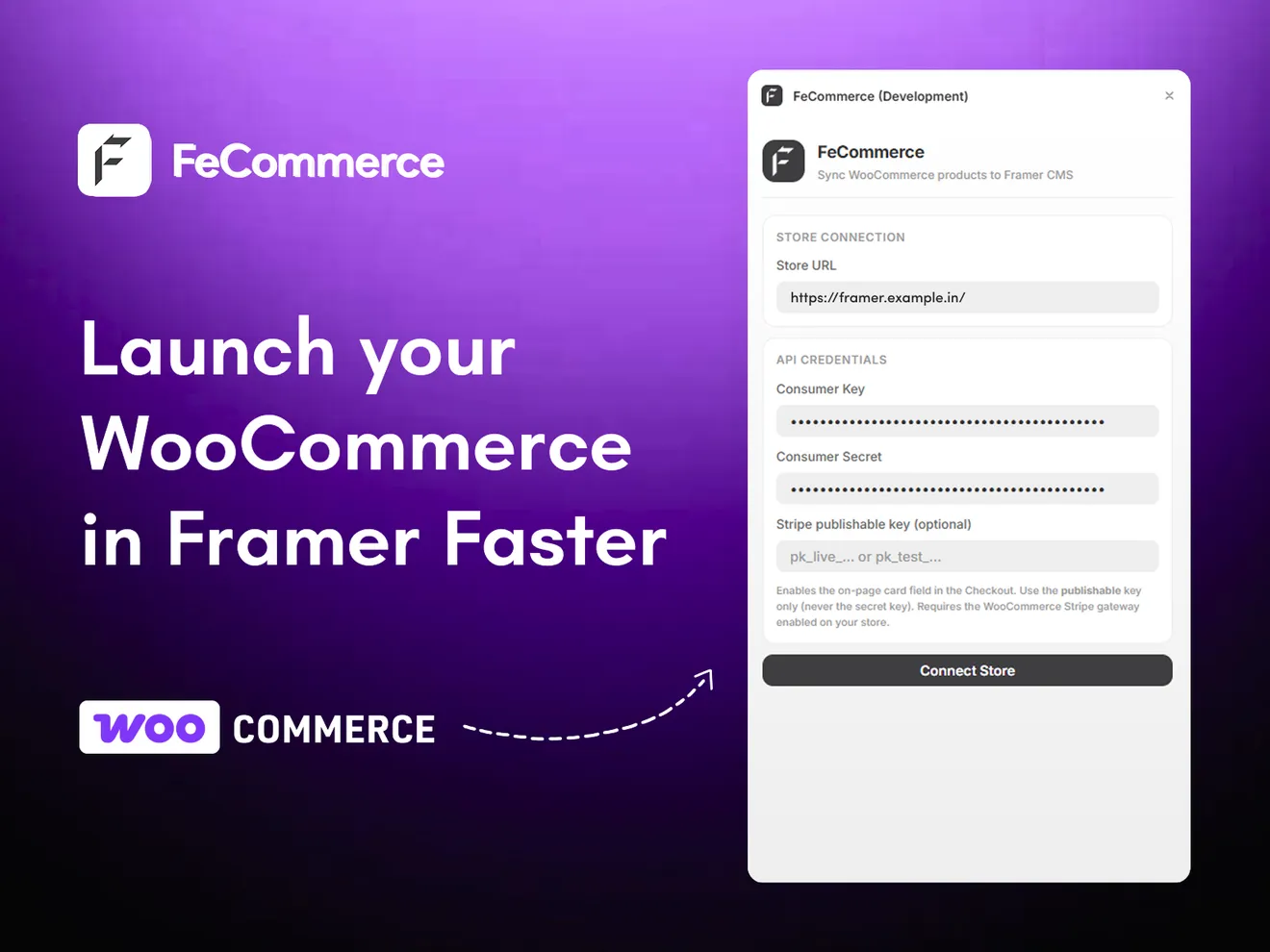
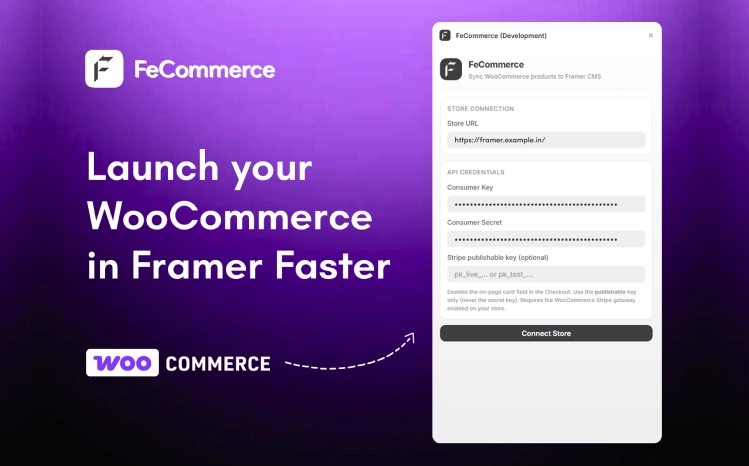
Sync your WooCommerce catalog into Framer CMS (or pull it live via API) with product, cart and checkout components.
Learn more about FeCommerce
A slow-fashion storefront with editorial typography, full-bleed lookbook sections and category edits, ready to wire up with FeCommerce.
Learn more about Fe Advaita
A multi-column mega navigation with grouped category links and a featured promo panel, built for store headers.
Learn more about Fe Mega Nav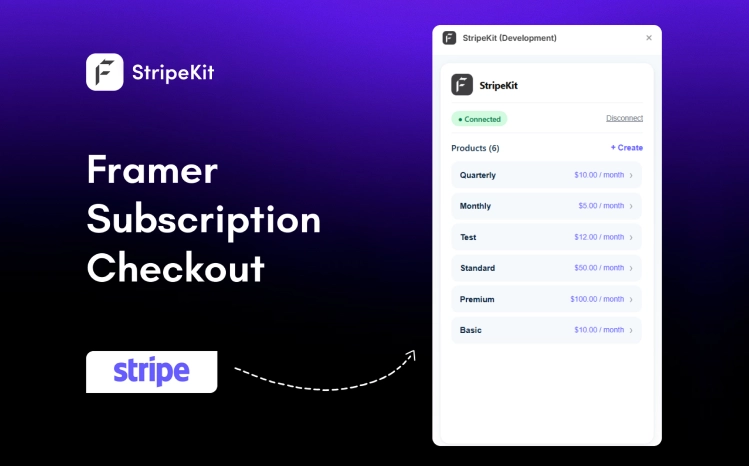
Connect Stripe and turn any product into a drag-and-drop Buy Now button, with secure checkout wired in for you.
Learn more about StripeKit
A polished carry-goods storefront with bestseller carousels, product ratings and clean category navigation.
Learn more about Fe Luxe
A category list that swaps a large preview image as you hover each item. Ideal for collection and service sections.
Learn more about Fe Hover PreviewAdd FeCommerce from the Framer Marketplace in one click. Free, no account juggling.
Install the free FeCommerce Bridge in WordPress, then approve the short code from the plugin. No API keys. Then choose CMS or live API.
Place the product listing, product pages, cart and checkout, then style them like any Framer layer.
The full FeCommerce suite, free to install and use.
Want it built for you? Done-for-you Framer store builds & migrations.
Most templates and components are free too. Premium ones are a one-time purchase: see pricing.
Yes, every plugin in the suite is free to install and use, with free updates, and so are most of our templates and components. A few premium templates and components are one-time purchases, priced on each product page, and our done-for-you Studio service is quoted per project.
You can install and use the plugins on any Framer plan. Storing your synced WooCommerce products in Framer CMS (used by FeCommerce) requires a Framer Pro plan or higher.
Yes, FeCommerce connects through the standard WooCommerce REST API: generate read-only keys, paste them into the plugin, and your products sync straight into Framer CMS.
Payments run through Stripe and Razorpay's own secure checkout. You connect your account keys; we never see or store card details, and money goes directly to your payment account.
No, the plugins connect your accounts and pass data through to Framer and your providers; we don't store your products, customers, or payment information.
Build a Framer ecommerce store with free plugins, templates, and store components. Connect WooCommerce, Stripe, Razorpay, or Shopify without code.
Learn how to build a high-converting landing page in Framer, from one clear goal and a strong hero section to social proof, repeated CTAs, SEO fields and testing.
Learn how headless WooCommerce works and how to use Framer as your storefront. Sync products, add a checkout, and launch a no-code store in minutes.
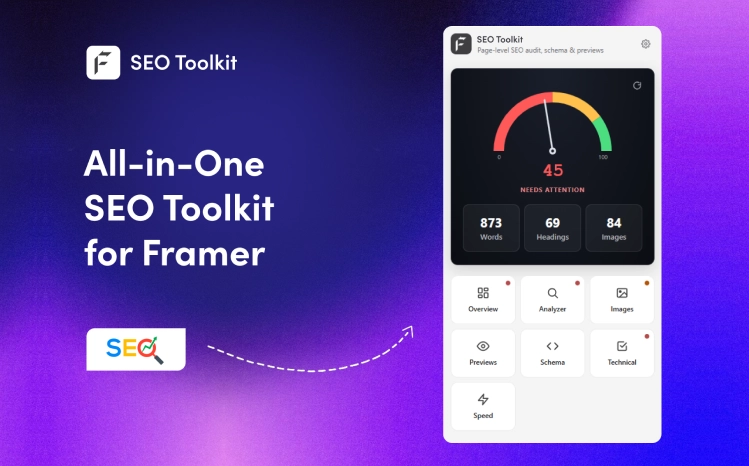
Framer stores your SEO metadata but never scores it. SEO Toolkit is a free Framer SEO plugin that audits every page, flags weak spots, and tells you what to fix.
Install FeCommerce free and have products syncing in minutes. Every plugin in the suite is free.